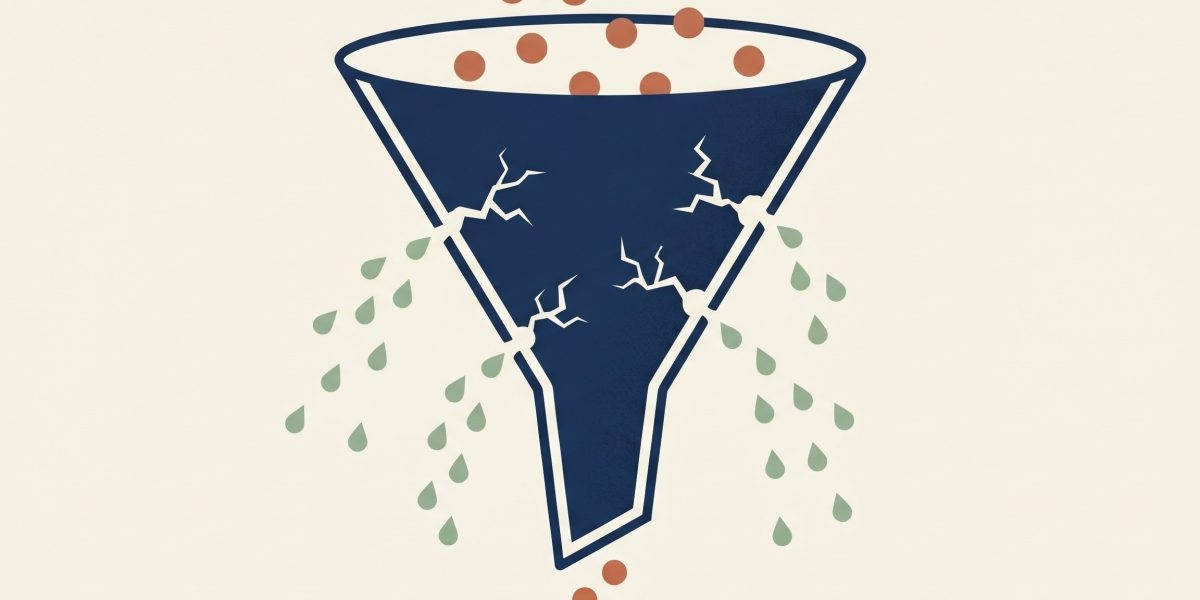
Your website is the hardest-working salesperson in your business. It works 24/7, never asks for commission, and can talk to 10,000 prospects at once.
So why does it close so few of them?
After auditing more than 50 service business websites at Scale Base Media, we see the same conversion-killing mistakes over and over — and most of them take under an hour to fix. None of them require a redesign. None of them require a developer (mostly).
If your website is getting traffic but not generating leads, one or more of these is the reason.
Why Service Business Websites Underconvert
Most service business websites are built by either (a) a designer optimizing for aesthetics, or (b) a developer optimizing for code quality. Neither is optimizing for the one thing that matters: converting visitors into qualified leads.
A high-converting service business website does three things in this order:
- Tells the visitor in 5 seconds what you do, who it’s for, and what makes it different.
- Builds trust faster than the visitor can hit the back button.
- Makes the next step ridiculously easy.
Every mistake below is a violation of one of those three principles. Let’s go.
Mistake #1: The Vague Hero Headline
Your hero headline is the first — and often only — thing a visitor reads. If it says “Welcome to Our Website,” “Innovative Solutions for the Modern Business,” or “Your Partner in Success,” you’ve already lost.
A great hero headline answers two questions instantly:
- What do you do?
- Who is it for / what’s the outcome?
Examples:
- Bad: “Marketing Solutions That Drive Results”
- Better: “We help SaaS companies turn paid ads into pipeline.”
- Best: “We help SaaS companies turn $1 of ad spend into $5 of pipeline — in 90 days.”
The fix: Rewrite your headline using the formula: We help [specific audience] achieve [specific outcome] through [specific method].
Mistake #2: No Clear Primary CTA
Most service business websites have 12 buttons on the homepage. Contact, Learn More, Get Started, Book a Call, Download Guide, Watch Video, Subscribe, Schedule Demo, Get Quote — sometimes all on the same page.
When you give visitors too many options, they pick none.
The fix: Decide on ONE primary action you want every visitor to take. That CTA should appear in your nav, in your hero, after every major section, and in your footer. Secondary CTAs are fine, but they should be visually deprioritized.
Mistake #3: Slow Load Times
Google research shows that conversion rates drop 20% for every additional second of page load time. If your site takes 5 seconds to load, you’re losing 80% of the conversions you could be getting.
Common culprits:
- Massive unoptimized hero images
- Auto-playing background video
- Too many third-party scripts (chatbots, analytics, retargeting pixels stacked on top of each other)
- Cheap shared hosting
The fix: Run your homepage through PageSpeed Insights. Aim for a mobile score above 70 and a Largest Contentful Paint under 2.5 seconds.
Mistake #4: Missing or Weak Social Proof
Social proof — testimonials, logos, case studies, reviews, certifications — is the single most underused tool on service business websites. If you have happy clients and you’re not showing them prominently above the fold, you’re leaving money on the table.
What works:
- Logo bars of recognizable client brands (immediately above or below the hero)
- Specific testimonials with full names, photos, titles, and measurable outcomes — not “Great service, highly recommend”
- Case study snippets with one bold number (“Increased qualified leads by 320% in 90 days”)
- Reviews and ratings pulled from Google, Trustpilot, G2, etc.
Mistake #5: Writing About Yourself Instead of the Customer
Open your About page. Count how many times you use “we” or “our” versus “you” or “your.”
If “we” wins, your copy is broken.
Visitors don’t care about your founding story, your awards, or your team retreat photos until after they’ve decided you can solve their problem. Lead with their problem, your solution, and their outcome. Save the story for later.
The fix: Rewrite your homepage using the StoryBrand framework — the customer is the hero, you are the guide. Your job is to clarify their problem and show them the way out.
Mistake #6: No Pricing Information (or Worse, Fake Pricing)
This one is controversial in service businesses, but data backs it up: pages with at least some pricing context convert better than pages with none.
You don’t need to publish a full price list. But you should give visitors a sense of:
- Starting price (“Engagements start at $5,000/month”)
- Pricing model (project-based, retainer, performance-based)
- What’s included at different tiers
Pricing information filters out bad-fit prospects and pre-qualifies good ones. Both are wins.
Mistake #7: Mobile Experience Is an Afterthought
More than 60% of B2B research starts on mobile. Yet most service business websites are designed on desktop and “made responsive” as a side quest.
Common mobile failures:
- Hero text too small or buried below a giant header image
- CTA buttons not thumb-friendly (too small or too close to the edge)
- Forms that require pinching and zooming
- Navigation that doesn’t collapse properly
- Background videos that don’t autoplay or eat the entire screen
The fix: Pull your website up on your phone right now. Try to complete your primary CTA in under 30 seconds. If you can’t, your visitors can’t either.
Mistake #8: Forms That Ask for Too Much
Every additional form field reduces conversions. Yet most contact forms ask for name, email, phone, company, role, budget, timeline, project description, and “how did you hear about us?”
If you’re trying to capture a lead, the only fields you actually need are:
- Name
- One open text field (“What are you looking to achieve?”)
Everything else can be asked on the discovery call.
The fix: Cut your form to three fields. Run an A/B test if you’re nervous. We’ve never seen the longer form win.
Mistake #9: No Trust Signals Near the Conversion Point
Visitors are most anxious right before they submit a form. That’s the worst place to have a barren page.
Add trust signals near your form:
- “We respond within 4 hours during business hours”
- “No obligation. No sales calls unless you ask for one.”
- A small testimonial or client logo
- Privacy reassurance (“We’ll never share your information”)
These micro-elements have an outsized impact on form completion rates.
Mistake #10: No Analytics or Conversion Tracking
You can’t optimize what you can’t measure. Yet many service business websites have either no analytics at all, or have Google Analytics installed but no goals/conversions configured.
At minimum, set up:
- Google Analytics 4 with conversion tracking on form submissions and button clicks
- Microsoft Clarity (free) for heatmaps and session recordings
- A simple monthly dashboard tracking: traffic, conversion rate, leads, and cost per lead
Without this, every “improvement” you make is a guess.
The 1-Hour Website Conversion Checklist
Before you spend $20k on a redesign, run this checklist:
- Hero headline answers “what + who + outcome” in 10 words or less
- One primary CTA repeated 4+ times on the homepage
- PageSpeed Insights mobile score above 70
- Social proof visible above the fold
- Copy uses “you” more than “we”
- At least directional pricing info present
- Mobile experience tested on your actual phone today
- Contact form has 3 or fewer fields
- Trust signals near the form
- GA4 and conversion tracking installed and verified
Frequently Asked Questions
What is a good website conversion rate for a service business? For service business websites, a healthy visitor-to-lead conversion rate is 2–5%. Top performers achieve 8–10% by following CRO best practices like clear CTAs, strong social proof, and minimal form friction.
How long does it take to fix website conversion mistakes? Most of the mistakes in this article can be fixed in under an hour each. A full conversion rate optimization sprint — including A/B testing — typically runs 30 to 60 days for measurable lift.
Do I need a new website to improve conversions? Rarely. In 80% of audits we run, conversions can be doubled or tripled with copy, layout, and trust signal updates on the existing site — no redesign needed.
What tools should I use to track website conversions? Start with Google Analytics 4 (free) for conversion tracking and Microsoft Clarity (free) for heatmaps and session recordings. Add a tool like Hotjar or Mouseflow when you’re ready for deeper qualitative insights.
Ready to Stop Losing Leads to a Broken Website?
We rebuild service business websites for one thing: conversions. Not awards. Not pretty animations. Leads.
Get a free conversion audit — we’ll record a 10-minute video showing exactly where your site is leaking leads and how to plug it.